
ArcaneDesk App
ArcaneDesk is a desktop app for DMs who run FVTT, bundling Foundry VTT installation, management, and assistive AI agents into one installer, with support for Windows and macOS.
Prerequisites
- Windows 10/11 or macOS
- A valid Foundry VTT license
- Model service — pick one:
- Bring your own model API key (BYOK), plus an optional separate speech recognition key
- Or subscribe to the official Arcane Spark Key
Core capabilities
- One-click install: download, install, and runtime fully managed. No Node, no command line — ready to run a session out of the box.
- Assisted prep: the content agent preps alongside you — modules and world lore organized, character sheets synced, everything ready before the session starts.
- Automated combat: the combat agent runs the turn flow — initiative, actions, and resolution advance on their own while you narrate the scene.
Two modes
Prep mode (Prepping)
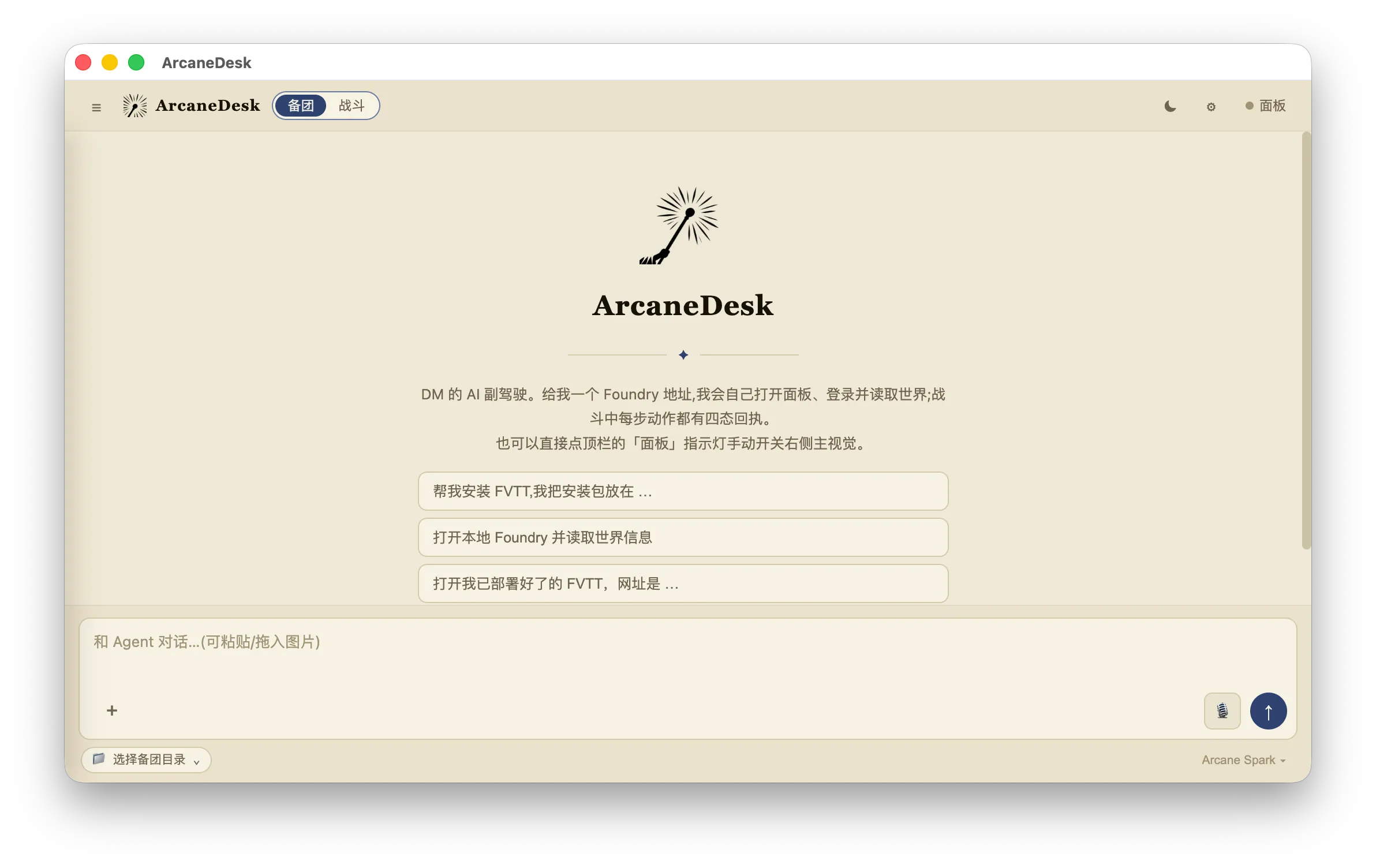
Prep mode is designed around session preparation and does three things:
- Prep content work (file read/write): inside the current prep workspace (
workspaces/prep) — read and write Markdown notes (plot outlines, house rules, campaign settings); design NPCs, locations, encounters, and items; build an Obsidian vault from module PDFs and search stories, characters, and locations. - FVTT install & ops: driven by the matching skills — install/repair/upgrade/migrate Foundry VTT 13 (handling ZIP/EXE/DMG, the dnd5e system, and Arcane modules); daily ops such as starting/stopping the server, reading logs, troubleshooting port 30000 conflicts, switching worlds, and handling options.json.lock.
- FVTT world sync: with the GM panel open on the right, it calls Foundry’s public Document API to sync the Actors, Items, JournalEntries, Scenes, etc. you ask for into the current world — with pre-write confirmation (game.ready + isGM), dedupe, and read-back verification. Nothing gets written carelessly.
Skill files (loaded automatically when needed):
| Skill | Scenario |
|---|---|
| arcane-fvtt-ops | Server start/stop, logs, ports, world switching |
| arcane-fvtt-setup | Fresh install / upgrade / migration of FVTT |
| arcane-module-reader | Module PDF → Obsidian vault |
| arcane-actor-images | Portrait and token image maintenance |
Constraints:
- It can only read and write files inside the current workspace; anything outside is handed to you for manual action
- PowerShell 5.1 on Windows, Bash on macOS — you will never be asked to install Node or a package manager
- Real-time combat operations (turn advancement, action execution) are out of prep scope — switch to combat mode for those
Combat mode
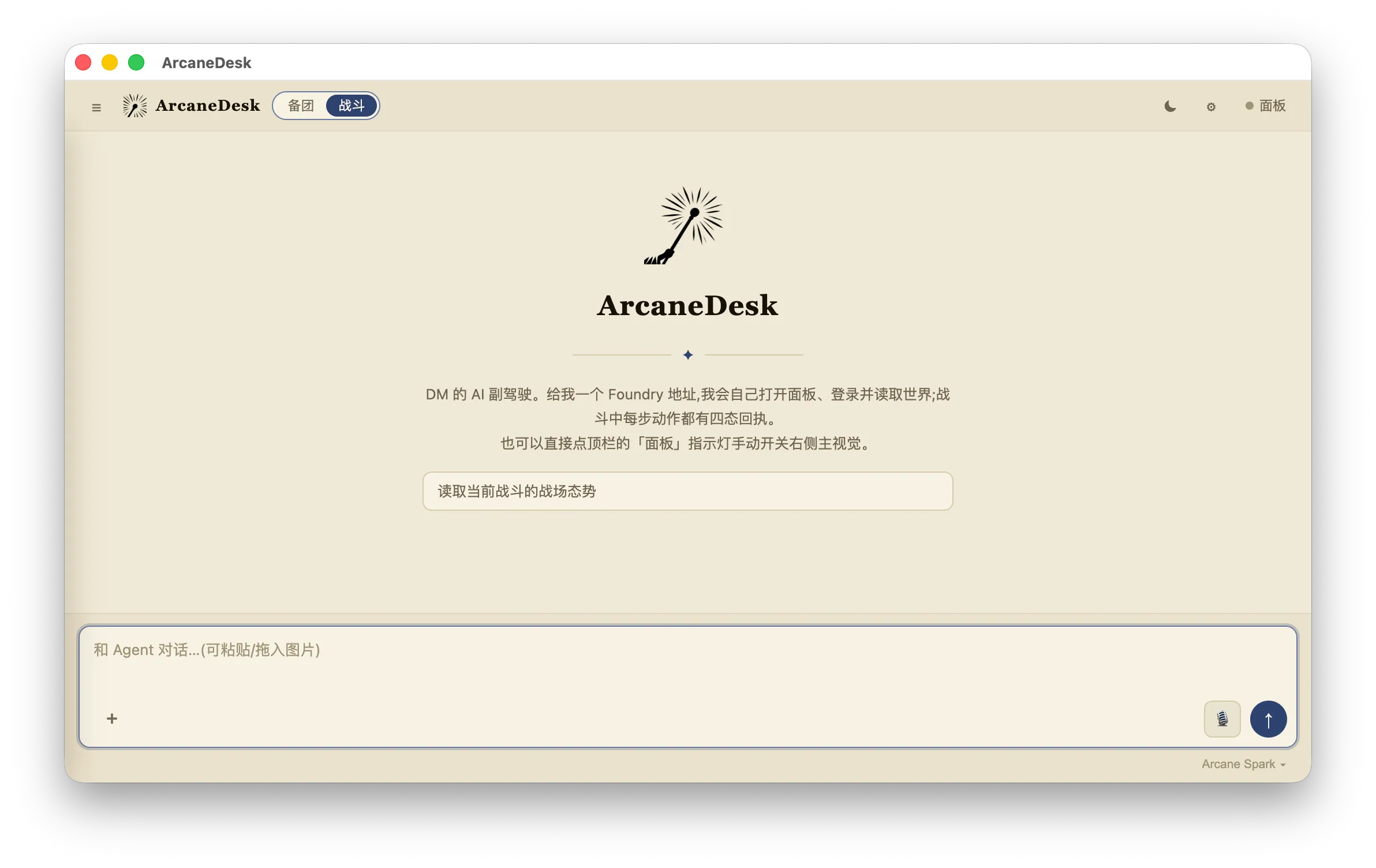
Combat mode is ArcaneDesk’s embedded real-time combat copilot, facing the DM directly — a completely different toolset from prep mode. Its core job: turning your spoken “who does what to whom” into real combat operations in the Foundry world — resolving hits, rolling damage, advancing turns.
Tools it uses:
| Tool | Purpose |
|---|---|
| combat_battle_context | Battle handbook: the catalog of actions available in this battle (attacks/spells/features), read once per battle |
| combat_turn_context | Live turn state: whose turn it is, which actions are available, target HP, etc. — required reading before every decision |
| combat_execute_turn | Submits an action (actions + targets + inputs) and returns a four-state receipt |
| world_status | Read-only world information |
| foundry_open / browser_evaluate | Opens the panel, bounded page diagnostics |
Key rules (very different from prep mode):
- Trust tools, not memory, for live state: the DM and players may drag tokens, change HP, or roll dice at any time, so the turn context is re-read before every command; anything in the conversation history is treated as stale.
- No tactical refereeing: distance, range, positioning, and movement legality are judged by the execution layer and the DM; movement itself is done manually by the DM.
- Advantage/disadvantage and spell-slot levels are only passed when you explicitly say so — never inferred tactically.
- Actions are executed and turns advanced only when the DM explicitly asks; by default it executes without advancing.
- Execution receipts come in four states: completed / rejected / partial / indeterminate. partial and indeterminate are never retried — they are handed to the DM for adjudication.
Related projects
- arcane-fvtt CLI: a developer-focused local Foundry operation CLI.
- Automation Pack: a curated D&D 5e 2014 Chinese automation pack.